David Eimer / Austin real estate
A city to know.
A place to call home.
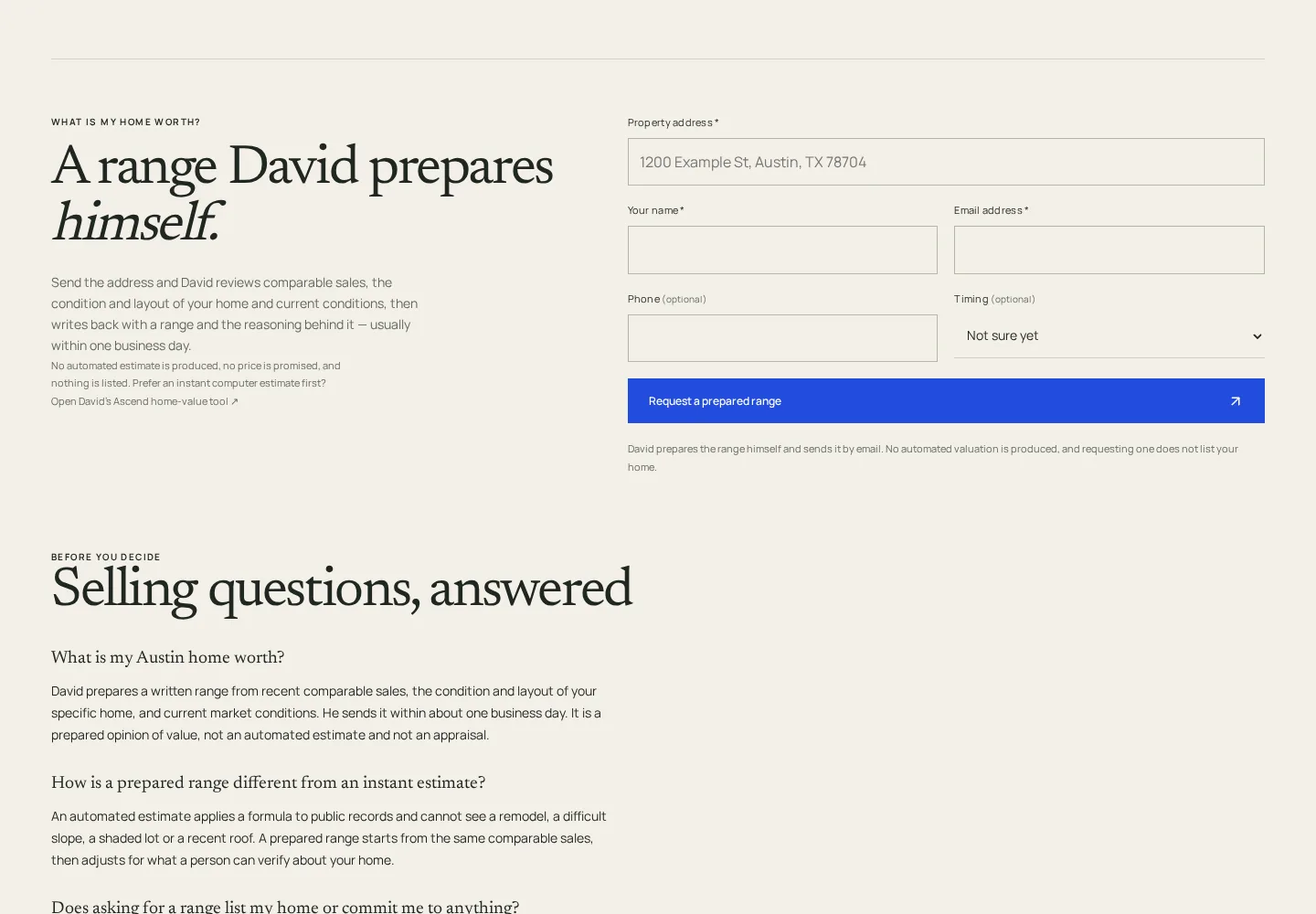
Most real-estate websites start with a search box. David’s starts with a sense of place.
We built the experience around a simple order: understand Austin, get to know a neighborhood, then find a home.
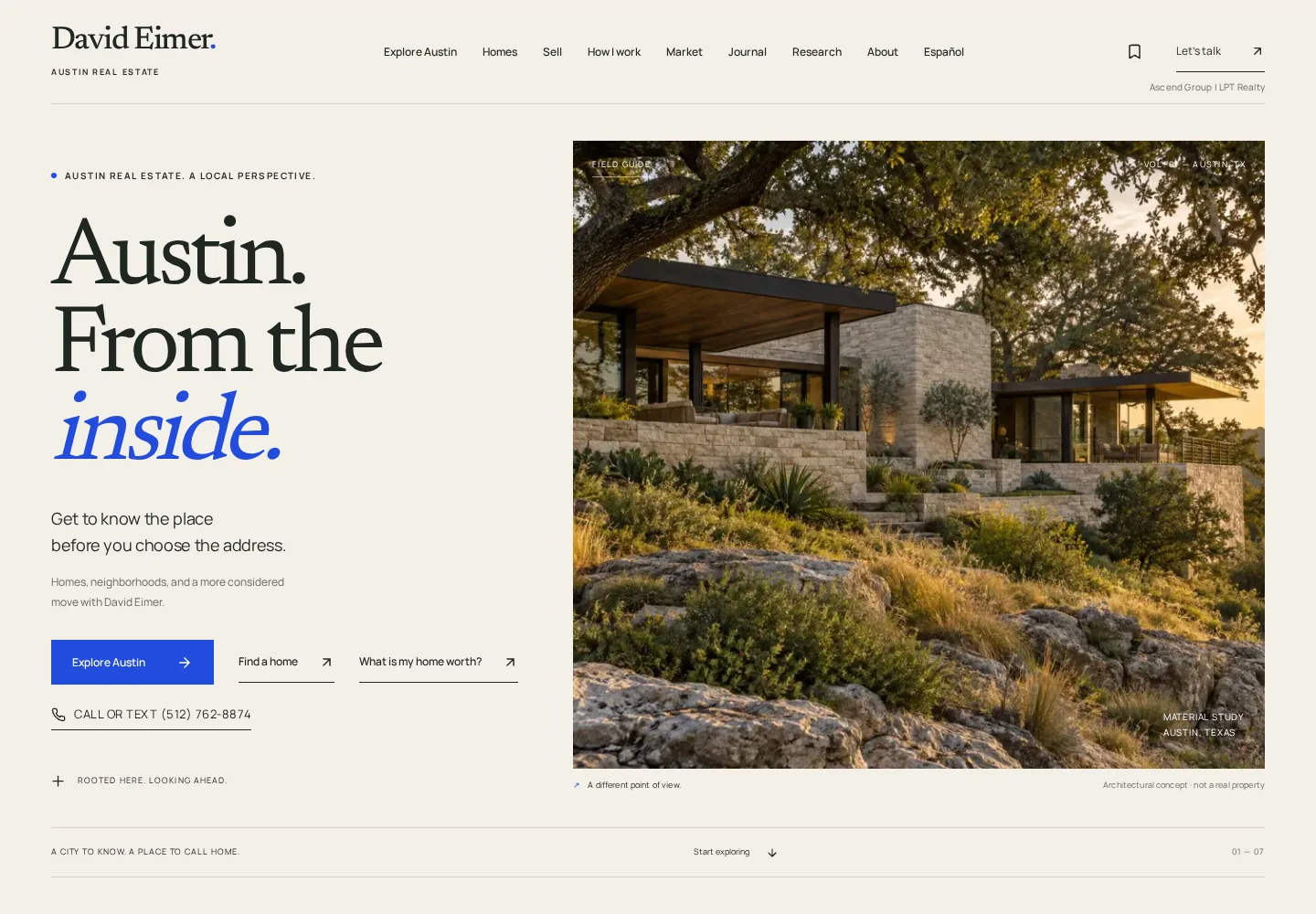
Local knowledge,
made useful.
For a buyer considering Austin, the address is only part of the decision. The website gives neighborhood context a place alongside home search: housing character, public places, sourced public-record facts and questions worth asking on a visit.
David stays at the center of the identity. The design feels like an edited field guide, with clear routes into his home-search service and an inquiry.
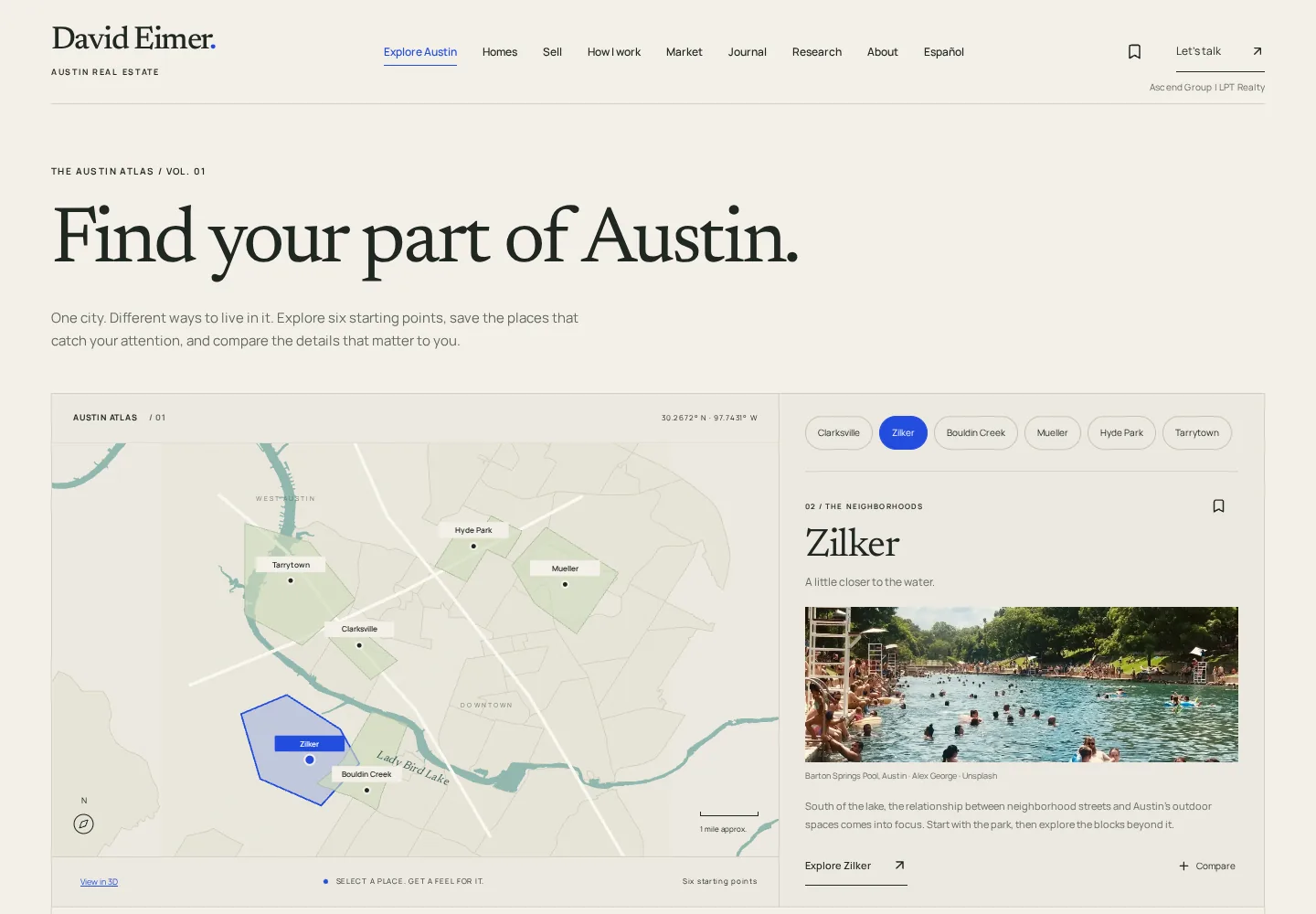
The map is a way in.
Visitors can explore six neighborhoods, save places and compare up to three. Each selection leads to a field guide rather than a wall of listing thumbnails.
Newsreader gives the editorial pages their voice; Manrope keeps the controls clear. Paper, ink and a restrained blue tie the reading experience to the interactive atlas.

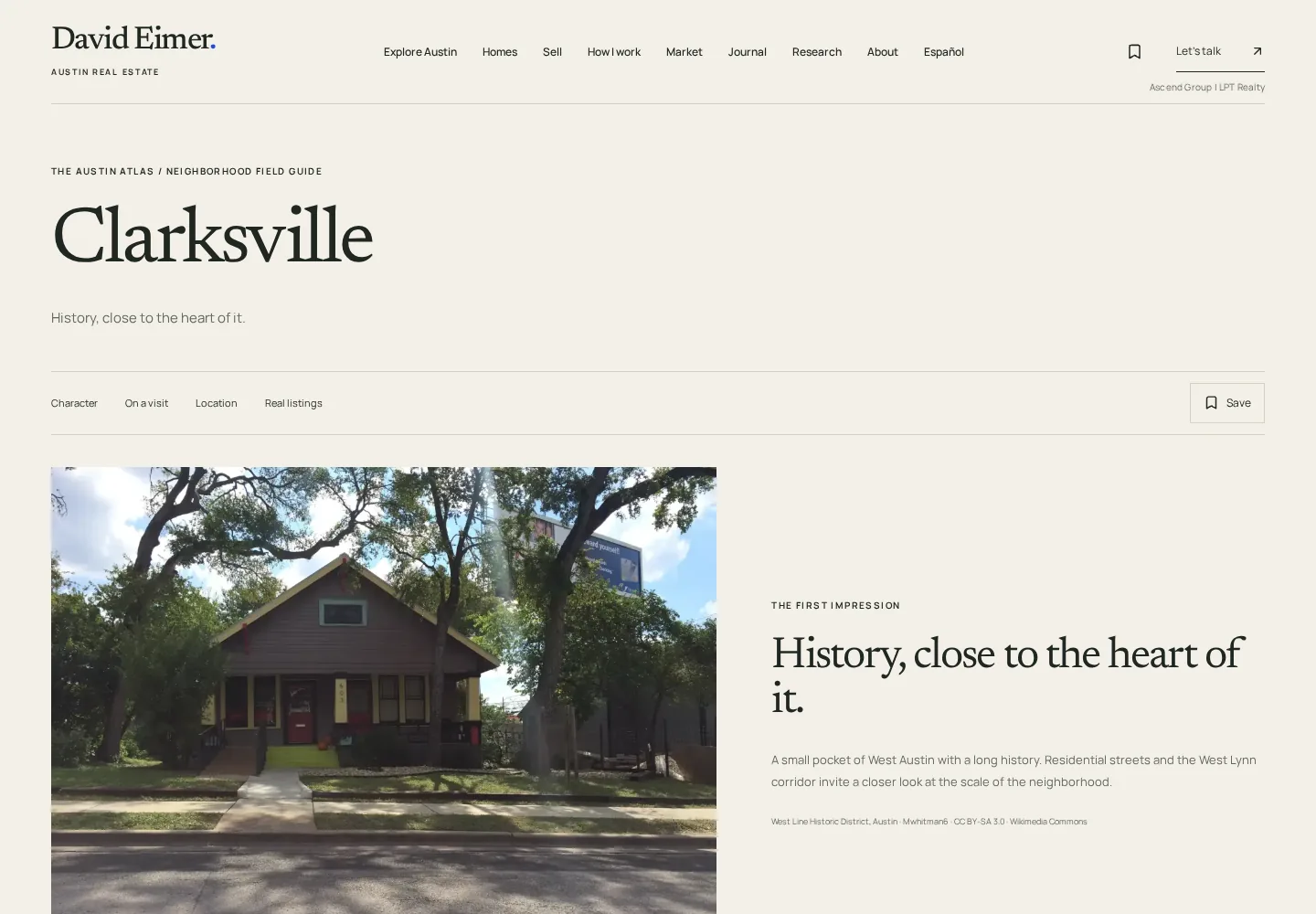
Facts with
their sources.
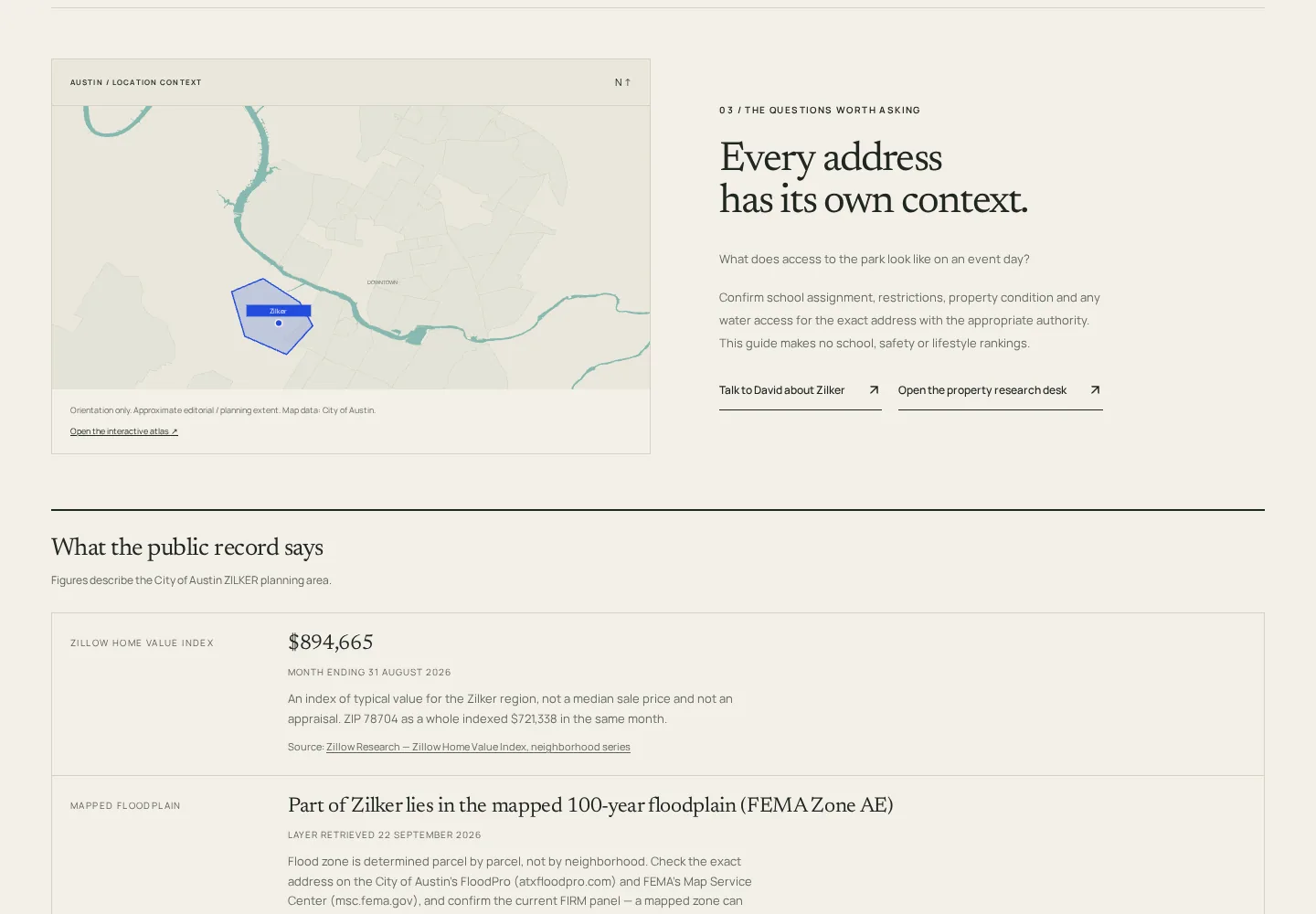
Each guide places the neighborhood on a map of central Austin, then sets out what the public record says, such as a home value index, floodplain status, watershed, historic designation, distance to downtown and tax rate. Every figure carries its publisher, period and caveat.
Where a number could mislead a buyer, the guide points to the parcel-level source instead of publishing one.
A clear next step.
Sellers can ask for a value range David prepares himself, with his instant home-value tool as a fallback. Buyers can type what they want, such as three bedrooms under a price in Zilker, and land on filtered results in his Ylopo search. Short buyer and seller questionnaires, a mortgage payment estimator, a sourced Austin market report and a Spanish page round out the paths.
Inquiries are delivered server-side: validated, emailed to David and logged in his CRM when one is connected. If delivery fails, the visitor gets an addressed email draft rather than a dead end. Live listing data stays with the search provider, and structured data describes David, his practice and each guide for search and answer engines.